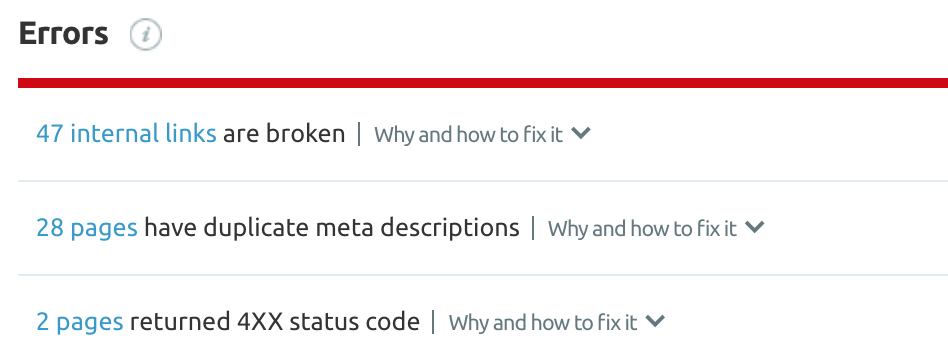
Let’s talk about broken links.
Obviously this isn’t something we want, but it’s virtually inevitable given how often websites change over time. Whether a site you linked to has gone down or changed their URL, or you changed your site structure and forgot to fix your nav bar links, it’s pretty easy to accumulate broken links on your site (or TO your site).
Here’s exactly what to do to combat broken links on or to your website:
Broken Links On Your Site
To find out where the broken links are on your site, you can use a tool such as SEMrush to carry out a site audit. If you’ve hired a Melbourne digital marketing agency to work on your site, they should be able to do this for you.
The site audit should point out both internal links (i.e. links to other pages within your site) and external links (i.e. links to other webpages) on your site that are no longer working.
Broken Internal Links
If you’ve ever changed your link structure or altered a URL slug for any of your pages or blog posts, your site audit should turn up some broken internal links.
Luckily these are pretty easy to fix. First, you’ll need to edit the broken links so that they work again.
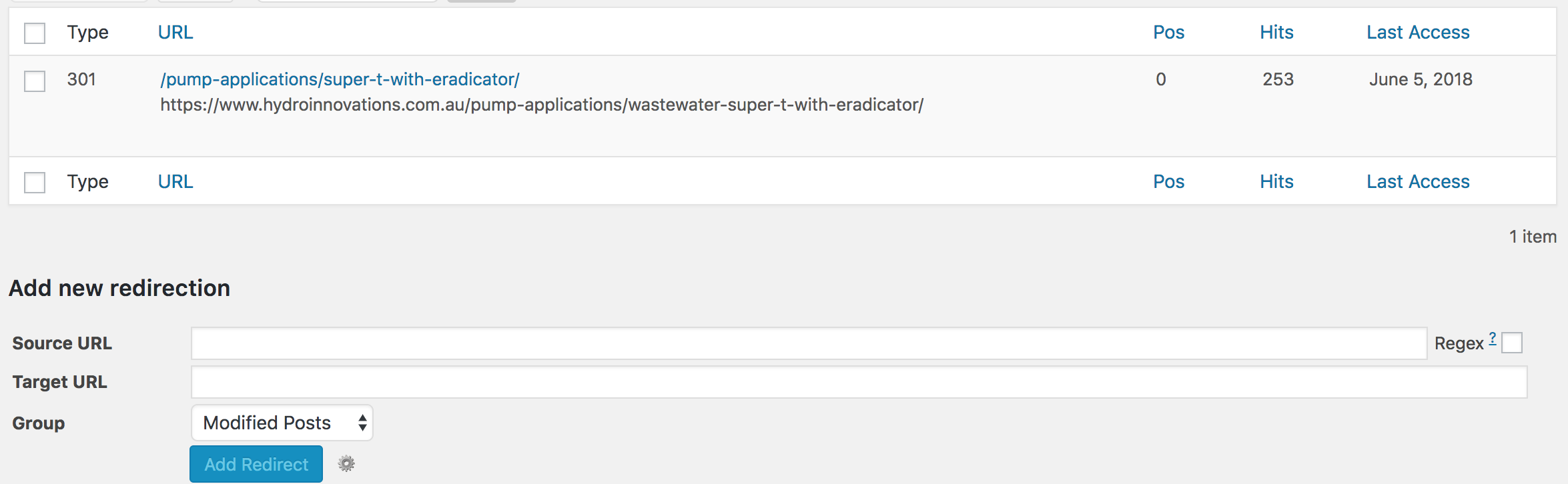
Second, and often overlooked, you should redirect the old URL to the new URL in case someone tries to access the old one and is shown a 404 error instead of the content they were looking for. With a 301 redirect in place, the old URL automatically forwards to the new URL whenever it’s entered. This way you still gain the traffic hit.
If the mention of 404 errors and 301 redirects scares you a bit, consider hiring an SEO agency in Melbourne to take care of this for you. Otherwise, there is a WordPress plugin called Redirection that makes this process easier.
Broken External Links
If a link you included to another website no longer works, you can either remove it altogether, or modify the link so that it functions properly.
In the latter instance, sometimes the URL has just changed slightly and you might be easily able to find the page you originally linked to (and in turn modify the link on your website).
Broken Links TO Your Site
Wait wait wait… you’re not quite done yet!
For extra due diligence, you should also run a backlink audit to uncover any backlinks to your website that no longer work. SEMrush also has a backlink audit tool that works well for this: it will display “Target URL error’ in red below any website that has linked to your domain, but to a page that doesn’t exist.
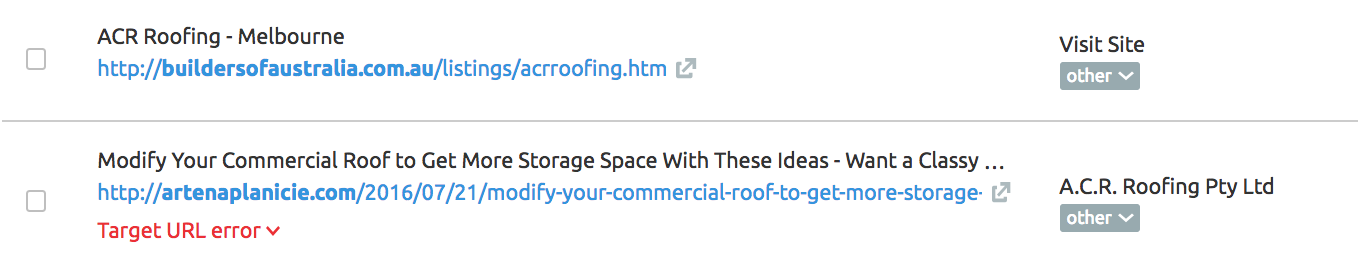
If you see this, you can do one of two things: either 1). reach out to the owner of the website that included a link to your site and ask if they wouldn’t mind tweaking it to reflect the correct URL, or 2). redirect the old URL to the new URL with the Redirection plugin. Option 1 is best, but option 2 is almost as good. Either way, this will ensure that anyone who clicks on your backlink will actually make it onto your site and to the page they were seeking.
Rock Solid Marketing provide Mildura & Melbourne SEO services. Contact us to learn more about how to set your website up for SEO success!